Browser games that need keyboard and mouse.
A large part of this index works on a phone, and the rest works badly on one. The dividing line is input, not graphics: if the game needs mouse look, two-handed movement or a modifier key, it is a desktop game that happens to run in a browser. Here is exactly where the line falls, and how to fix the three input problems every browser port has.
Updated October 25, 2026 · 6 sections · no download required
The desktop-only entries
The four classic shooter ports — Quake, Quake II, Quake III Arena and Return to Castle Wolfenstein — are the clearest case. They use keyboard-forward strafe movement, mouse look, and weapon binds that assume you have both hands on the keyboard. CS Surf / Surfd is the same, with the added requirement that air-strafing needs two hands and a mouse.
The Halo CE fan project, the Black Ops Zombies project and the skate recreation are also desktop. The skate one has the additional constraint of needing WebGPU. GTA Vice City Web and DiabloWeb are desktop by data requirement as much as by input.
| Input need | Entries |
|---|---|
| Mouse look + keyboard, no compromise | Quake, Quake II, Quake III Arena, Return to Castle Wolfenstein, CS Surf |
| Keyboard strongly preferred, mouse workable | Halo CE, Black Ops Zombies, Half-Life Web, Half-Life / CS 1.6 |
| Mouse sufficient, keyboard optional | Racing entries, sports entries, arcade shooters |
| Touch is enough | Puzzle, daily puzzle, merge, tile, escape rooms |
Fix 1: the pointer will not lock
Browser ports grab your mouse with the Pointer Lock API, which requires a user gesture on the element itself. If your pointer does not disappear when you click, the click did not land on the canvas.
- Click directly on the game image, not the page around it.
- If a consent banner or cookie prompt sits over the game, dismiss it first.
- Some browsers block pointer lock inside an embedded frame — open the project in its own tab.
- Escape always releases the pointer; that is your escape hatch if it locks and you need the menu.
Fix 2: the sensitivity is wrong
Ports of 1990s engines ship sensitivity values calibrated for a mouse from that decade, and modern mice make them feel like molasses. The fix is not the browser — it is the game's settings menu.
- Open the in-game settings and find sensitivity, m_yaw or field of view.
- Raise it until a full arm sweep covers roughly 180 degrees.
- Turn off mouse acceleration and smoothing if they are options.
- Never raise it to the point where you cannot turn 180 degrees without lifting the mouse.
Fix 3: keys are not registering
A browser page does not receive key events until something inside it has focus, and a game canvas has no visible focus ring. Click the canvas, then press Tab — if focus moves into the game's menu, the game has keyboard input.
Some browsers reserve certain combinations. If a key does nothing in-game, test it in a text field on another page: if it does not type there either, the browser or the keyboard layout is intercepting it.
Trackpad and phone: what still works
A trackpad is usable for the ports that need mouse look but not precision aim — Quake II and Arena are playable, Quake and Wolfenstein are frustrating. Racing entries work on a trackpad because the input is throttle and steering rather than aim.
On a phone, the ports that survive are the ones driven by on-screen buttons: the racing entries and some arcade shooters. Everything else is either impossible or not worth the effort, and each game page here states which category it falls into before you click.
What to do about a keyboard layout change
Ports bind keys by position, so a QWERTZ or AZERTY keyboard can put movement keys in the wrong place. The solution is always the same: rebind in the game's menu rather than remapping at the operating system level.
Bind movement to the physical positions you are used to, not the letters on the keycaps. WASD in the menu means the four keys in a diamond, whichever letters they carry.
Bottom line
The five entries that genuinely need a keyboard and mouse are the four classic shooter ports and CS Surf. Halo CE and the Zombies project strongly prefer them. Everything else here is playable with a mouse, a thumb, or both. And when input misbehaves, it is almost always focus, pointer lock or sensitivity — never the port itself.
Questions about browser games that need keyboard and mouse
Why does my mouse not lock into a browser game?+
Pointer lock requires a click on the game element itself. Click directly on the canvas, dismiss any banner covering it, and open the project in its own tab rather than an embedded frame. Escape releases the pointer when you need it back.
Can I play browser shooter ports on a trackpad?+
Yes, with reduced comfort. Quake II and Arena are playable on a trackpad. Quake and Return to Castle Wolfenstein are not, because they need precision aim as well as movement. A mouse changes the experience completely.
How do I fix a wrong mouse sensitivity in a browser port?+
Raise it in the game's own settings menu, not in the browser. Find the sensitivity or m_yaw value, increase it until a full arm sweep turns about 180 degrees, and turn off any acceleration or smoothing option.
Which browser games here work best on a phone?+
Puzzle, daily puzzle, merge and tile games, and point-and-click escape rooms are all better on a phone than on a desktop. Racing entries are playable with on-screen controls. Anything with mouse look is not.
Open the game.
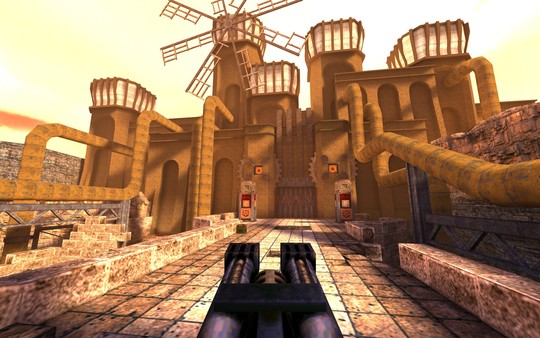
Quake
Fast arena combat through a community browser project; available content may differ from the full game.
Check project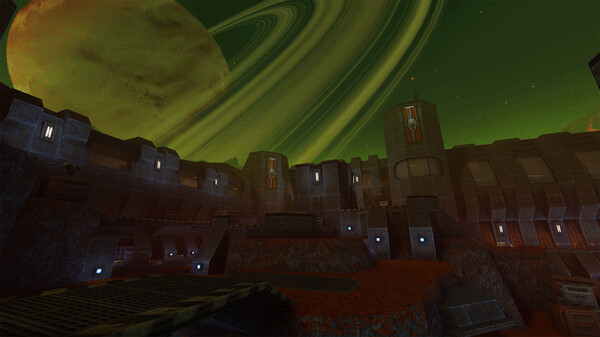
Quake II
The second Quake in a separate browser project. Check the host for current modes and files.
Check project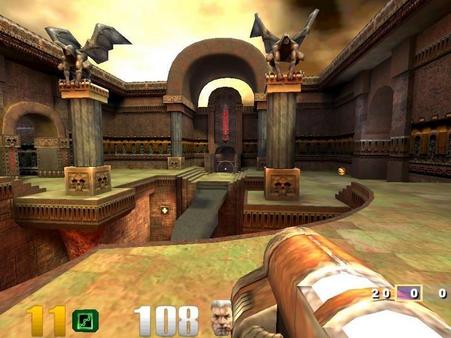
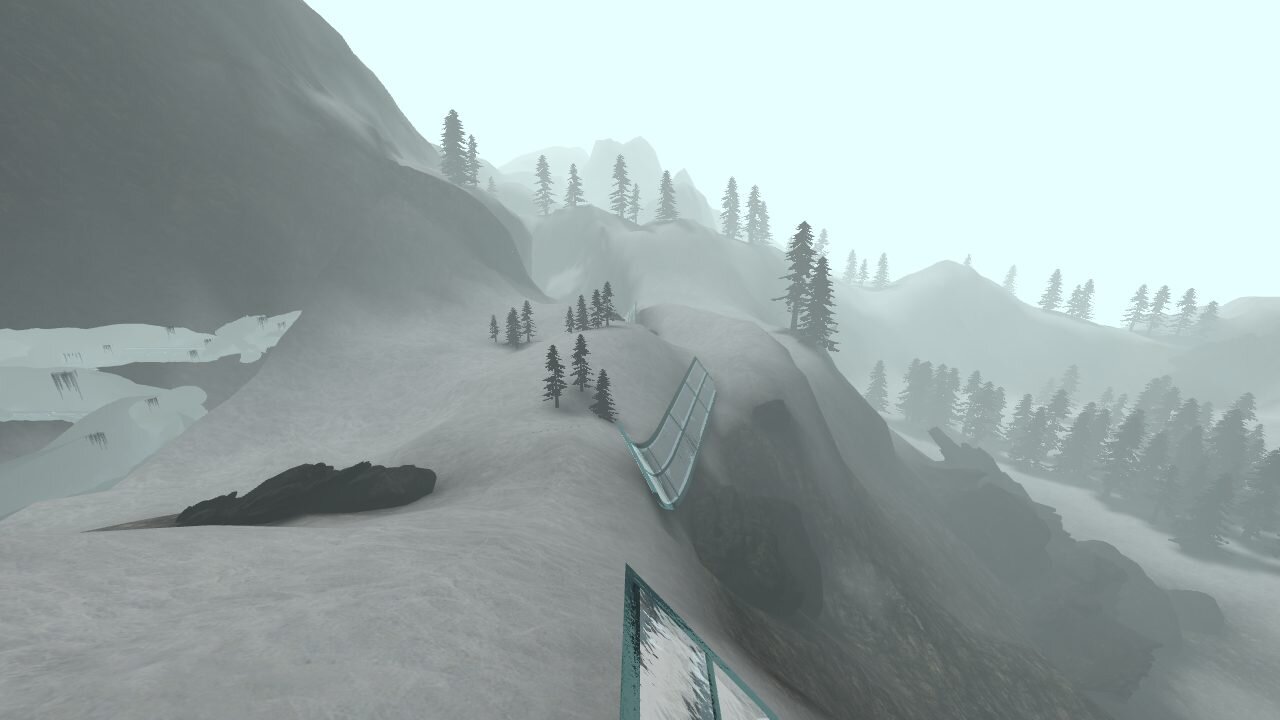
CS Surf / Surfd
Ride sloped ramps across timed, Source-style surf maps in a standalone browser game.
Desktop keyboard and mouse