Browser game not loading.
Most "the game does not load" reports are not a broken game. They are four different problems wearing the same coat: the page loaded but the game never got your input, the game is still compiling shaders, the browser is using software rendering, or the project itself needs a file you have not given it. Work the fixes in order and stop as soon as the game appears.
Updated October 25, 2026 · 9 sections · no download required
1. Click the canvas once before touching a key
Browsers refuse to send keyboard events to a page until something inside it has focus, and game canvases rarely look focused. Click directly on the game area — not the page around it — then press Escape or Tab. If the game has a start screen that was unresponsive, this alone fixes it in a large share of cases.
Pointer lock works the same way: most browser ports will not grab your mouse until the click lands on the canvas element itself. Click once and the pointer should disappear into the window; press Escape to get it back.
2. Wait longer than you think you should
The first load of a WebAssembly or WebGL game is not the same as the second. The browser downloads the module, compiles it, and builds shader programs. On a mid-range laptop that can take 10 to 30 seconds with no visible progress. If the page has been open for less than a minute and the tab is still responsive, wait.
Load it a second time to tell the two cases apart. Fast on the second visit means the first load was compilation. Still slow on the second visit means the host is slow, your connection is slow, or the project is genuinely heavy.
3. Check that hardware acceleration is on
Chrome and Edge expose this at chrome://gpu (edge://gpu on Edge). Look for "WebGL" and "WebGPU" in the graphics feature status list. If either is marked "Software only", your game is being rendered by the CPU and will feel like a slideshow.
Fix it by updating your graphics driver, then by making sure hardware acceleration is enabled in the browser settings menu. On a laptop with hybrid graphics, a game may also be running on the integrated GPU — the driver settings decide which.
- Open chrome://gpu and search for WebGL.
- If it reads "Software only", update the graphics driver.
- If you are on a company-managed machine, the policy may block acceleration — that one is not fixable from the browser.
- Reload the game page after changing driver settings.
4. Lower the browser zoom and the resolution
Browser games are fill-rate bound long before they are CPU bound. Zooming the page to 67–80% cuts the pixels the browser has to paint and is the single biggest speed lever you have without touching any settings. It also fixes the classic problem of a 1990s HUD rendered at 640×480 being unreadable on a 4K screen.
Ctrl and minus zooms out on Windows and Linux; Cmd and minus on macOS. In Chrome, menu → Zoom does the same. The game keeps running while you do this.
5. Close the other 20 tabs
This is not a joke. A tab playing video, a mail client syncing, and a video call will all compete for the same GPU and CPU. Background tabs are throttled by the browser, which means an "idle" game may be running at a fraction of its speed. If a game feels slow only when your machine is busy, this is the cause.
Check the browser's own task manager (Shift+Esc in Chrome) to see which tab is eating the CPU. It is more accurate than the system task manager for per-tab load.
6. Try another browser, then another network
Ports built on old engine code often break on a new browser build and work fine on the previous one. If a game misbehaves in Chrome, try Edge — they share almost all their engine — and then Firefox or Safari for a genuinely different code path.
If the game loads but is unplayable, swap the variable: try a phone on mobile data, or ask someone else to open the link. Game loading on another device but not yours means the problem is local to your machine or network, not the project.
Remember what your memory says: web requests from this machine can fail intermittently. A single failed load is not evidence that a project is down. Retry a couple of times before concluding anything about the host.
7. Look for a file prompt you skipped
Some browser ports are the original game engine compiled to WebAssembly, and they will not start without a data folder from a copy of the game you own. Nothing about that folder is downloadable from this site. If a page asks for files and you cancelled the prompt, you cannot blame the project for showing a black screen.
Entries in this index that need your own data are labelled on their game page, usually under "Before you play". Check the requirement line first, then follow the setup steps on that page.
8. Clear the site data for that one project
Corrupt cached modules, a bad service worker or a half-written IndexedDB save can stop a game from initialising. Clear site data for that one origin — not your whole browser — and reload. The lock icon in the address bar gives you "Cookies and site data" in Chrome and Edge.
This also wipes that game's saved progress, so it is a last resort rather than the first thing to try. Do it after the steps above.
9. Read the project page, not the game page
Community projects change. Read-only assumptions are the biggest time sink: a project that needed Firefox in March may need Chrome today, and the note that says so is on the project's own page, not on a directory that lists it. This index links to the project page precisely so you can read the notes that matter.
If the project page and the game disagree, trust the project page. Every game page in this index states which requirement applies so you can tell quickly whether a problem is a setup issue or a project issue.
Bottom line
Nine fixes, cheapest first: click the canvas, wait, check hardware acceleration, zoom out, close tabs, switch browser or network, supply the files it asked for, clear site data, read the project notes. The order matters because each step rules out a cheaper cause before you spend time on a heavier one.
Questions about browser game not loading
Why is my browser game screen black?+
A black screen after a normal load usually means the graphics pipeline is not ready: WebGL is software-only, a WebGPU requirement is unmet, or shader compilation is still running. Check chrome://gpu for WebGL status, confirm the entry does not require WebGPU, and wait 30 seconds before changing anything.
Why do my keyboard keys do nothing in a browser game?+
The game element does not have focus. Click directly on the game canvas — not the surrounding page — then press Tab or Escape to confirm focus moved. Some browsers only deliver key events to the focused element, and a game inside a long page can lose focus when you scroll or click elsewhere.
Why is a browser port of an old game so slow?+
Ports of 1990s engines are fill-rate bound, so they are limited by how many pixels the browser must paint, not by how fast the CPU is. Zoom the browser to 67–80%, close GPU-heavy tabs and check that hardware acceleration is enabled in the browser settings.
Does a black screen mean the project is down?+
No. Community hosts move or disappear, but a slow or black page is far more often a local problem. Confirm by opening the same link from another device or network — if it works there, the project is fine and your browser or machine is the issue.
Open the game.
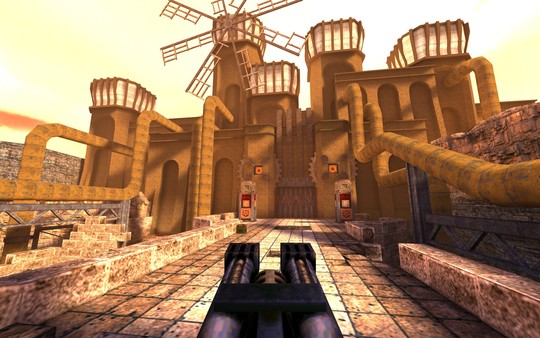
Quake
Fast arena combat through a community browser project; available content may differ from the full game.
Check project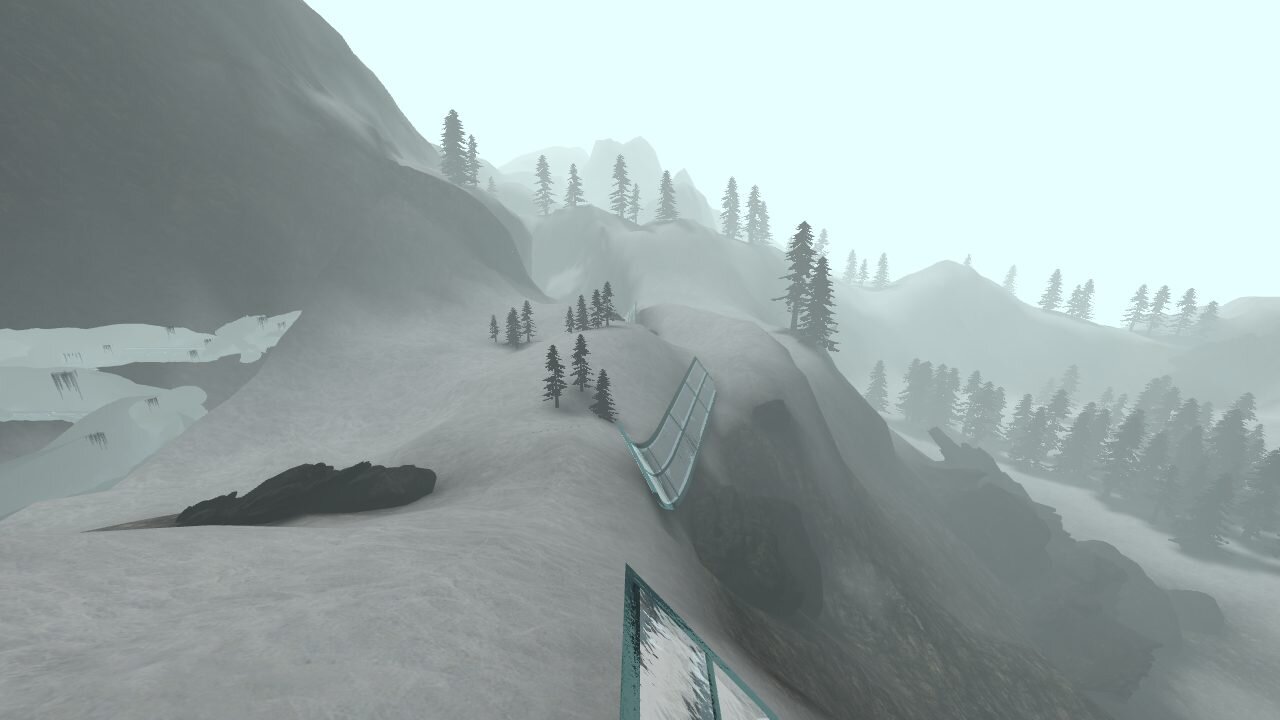
CS Surf / Surfd
Ride sloped ramps across timed, Source-style surf maps in a standalone browser game.
Desktop keyboard and mouse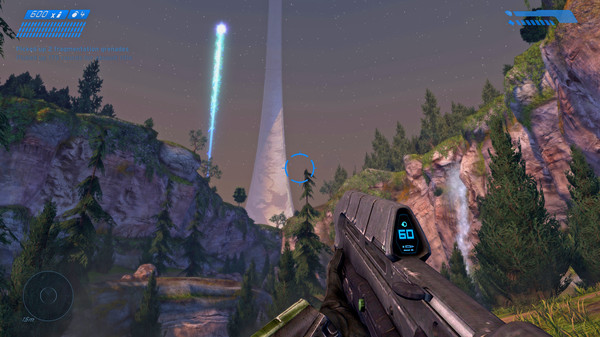
Halo: Combat Evolved
A fan browser project for the first Halo. The original game's screenshot is shown for identification.
Project instructions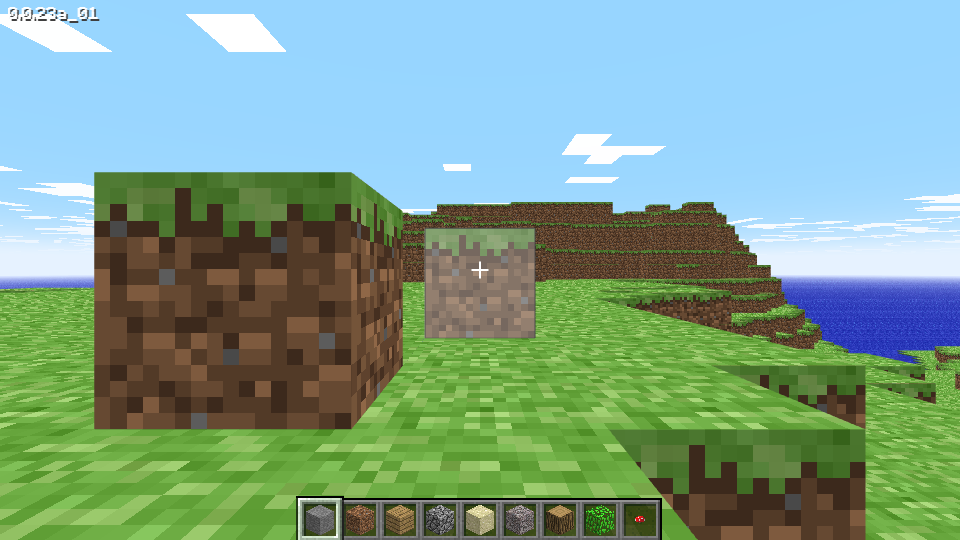
Minecraft Classic
Build freely in the official browser edition of early Minecraft.
Desktop browser