Playing browser games on mobile.
A large share of this index is mobile-friendly, and a smaller share is mobile-impossible. Telling them apart before you tap the link saves you from a black screen, a sideways keyboard and a wasted download. The dividing line is simple: if the game needs mouse look or a keyboard with more than one key, it is a desktop game in a browser window.
Updated October 25, 2026 · 6 sections · no download required
What works on a phone
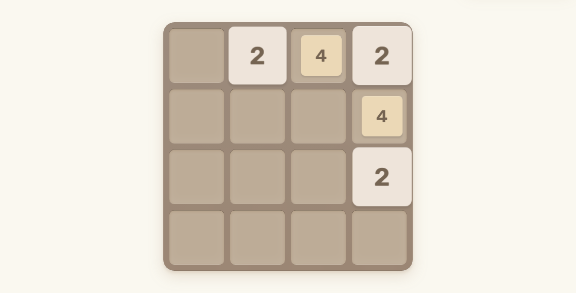
Anything driven by taps and swipes works, usually with on-screen touch controls added by the host. In this index that covers the puzzle entries, the merge and tile games, the arcade runners, the sports games built around a power meter, and the point-and-click escape rooms.
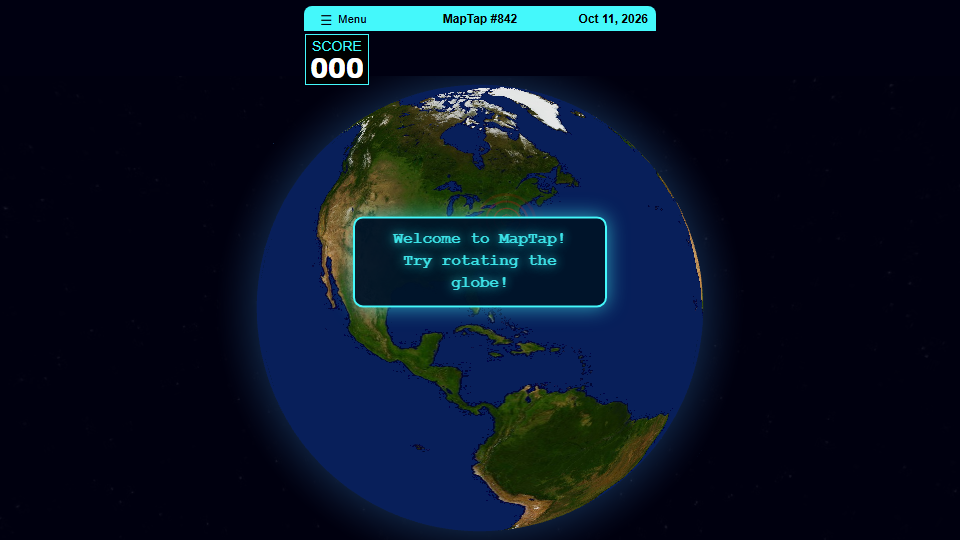
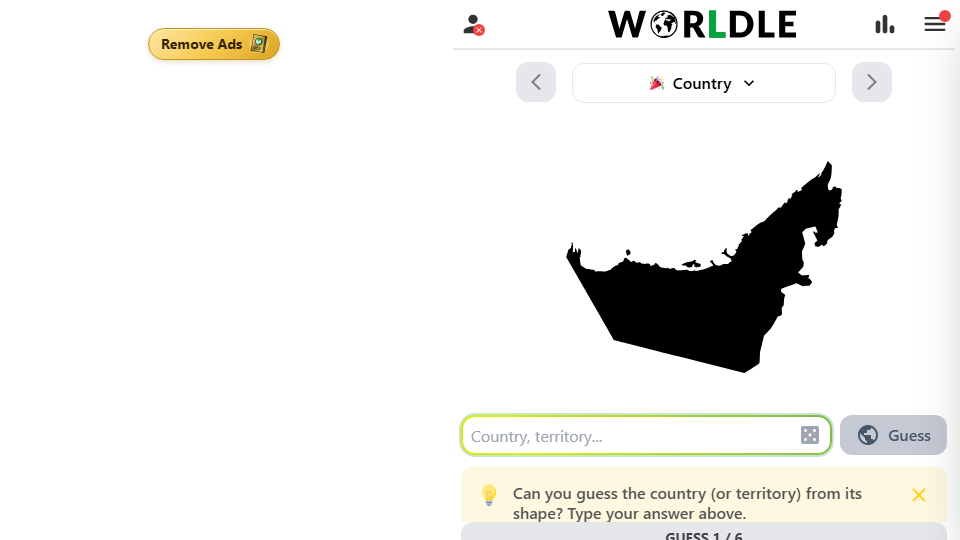
Daily puzzles are the best mobile category here: one screen, one guess, no controls to learn. They are also the least punishing when a train tunnel kills your connection.
What does not work on a phone
Anything with mouse look, and anything that expects Shift, Ctrl and a number row at the same time. That rules out the classic shooter ports, the skate project that needs WebGPU, and most of the port entries in the shooter section.
Racing entries are a grey area: they mostly map throttle to a touch pedal or an on-screen button, which works, but precision drifting on a touchscreen is a different game from drifting with a keyboard. Try it before you assume.
| Category | Phone verdict |
|---|---|
| Puzzle and daily puzzle | Excellent — this is where phones win |
| Merge, tile and match | Excellent — built for thumbs |
| Arcade and runners | Good — rotate to landscape |
| Sports with a power meter | Good — hold to aim, release to strike |
| Point-and-click escape rooms | Good — tap to examine, pinch to zoom |
| Sandboxes | Mixed — works, but heavy simulations lag on phones |
| Racing | Playable, not precise |
| Shooter ports and anything with mouse look | Not viable |
Touch controls that are actually there
Three patterns cover most mobile browser games. Virtual buttons overlay the screen for platformers and runners. Drag-anywhere controls steer a vehicle or a cursor. Swipe controls handle tile and card games. If the game needs something else — a keyboard, a right-click, a middle-click — it is not a mobile game and the controls will not appear.
Rotate to landscape for anything with horizontal movement. A portrait runner gives you a third less horizontal room and makes the controls sit under your thumb where they block the view.
Stop the tab from closing itself
Mobile browsers kill background tabs aggressively, and a game that saves to local storage can lose an hour of progress when that happens. Keep the tab in the foreground, and disable battery saver for the browser if your phone has one — aggressive power management is the most common cause of games freezing mid-session on Android.
- Keep the game tab visible rather than switching apps.
- On iOS, check Low Power Mode in Settings and turn it off for long sessions.
- On Android, look for a battery optimisation setting per app and exclude the browser.
- Save games that have a save button before you switch away.
Performance on a phone
Phone GPUs are weaker than the ones in the laptop you are reading this on, and browser games are fill-rate bound. Zoom the page out rather than in — if a game feels heavy, pinch to zoom to 67% and the frame rate usually recovers. Closing other apps matters more on mobile than on desktop because the background is competing for the same small thermal budget.
If a game uses WebGPU it will not run on most phones at all, and the requirement is listed on its game page. Do not spend ten minutes debugging a black screen on an entry that asked for WebGPU.
Play in a browser, not a wrapper
These entries are plain web pages. They do not need an app, a download or a store. If something asks you to install an app to play a browser game, it is not the entry linked on this site.
One genuine exception is iOS Safari's handling of fullscreen APIs on some engines; if a game refuses to go fullscreen, rotating the phone is usually enough.
Bottom line
Puzzle and daily puzzle entries are better on a phone than on a desktop. Shooters and anything with mouse look are desktop only. Between those two poles, check the requirement line on the game page, rotate to landscape, and keep the tab in the foreground.
Questions about playing browser games on mobile
Can I play Quake on my phone?+
Not meaningfully. It needs mouse look and keyboard-forward movement, and no touch control scheme exists for it. Open the same link on a desktop browser instead — the port runs there without any installation.
Why do mobile browser games freeze when I switch apps?+
The browser is throttling or killing the background tab, and on many phones the freeze is the OS power manager rather than the browser. Keep the tab in the foreground and exclude the browser from battery optimisation.
Are these games free on mobile?+
Yes. Nothing in this index asks for payment or an account. Some entries are ad-supported, which is the trade for free access.
Why does a game render as a black rectangle on my phone?+
Either the device or browser lacks the required graphics API — WebGPU entries need a recent Chromium browser, and Safari on iOS is limited. Check the requirement line on the game page, and try the same link on a desktop.
Open the game.

Little Alchemy 2
Combine elements to discover a growing world of objects and ideas.
Ready to play