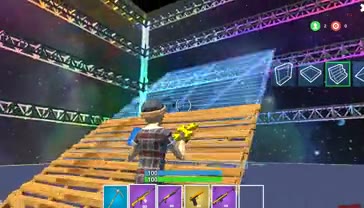
CS Surf / Surfd.
Ride sloped ramps across timed, Source-style surf maps in a standalone browser game.
- Genre
- Shooter
- Before you open
- Desktop keyboard and mouse
- Typical session
- 5 to 30 minutes
- Difficulty
- medium to high
- Devices
- desktop with keyboard and mouse
- Hosted by
- Surfd
Quick answers about CS Surf / Surfd
- Can I play CS Surf / Surfd in a browser?
- Yes. CS Surf / Surfd opens in a browser tab with no download and no install.
- Do I need to download anything?
- No. No installer, no plugin, no account — just Surfd in a tab.
- Does it work on a phone?
- Not really — this one wants a keyboard and a mouse.
- How long does a session last?
- 5 to 30 minutes. Difficulty: medium to high.
What is CS Surf / Surfd?
CS Surf / Surfd belongs to our shooter section and to the shared list collection. CS Surf / Surfd — surf maps, a timer, and a community leaderboard. The page below covers what CS Surf / Surfd actually is, what you need before you open it, the controls, and what to do when the browser refuses to cooperate.
Hosted by Surfd, the project's own page — their notes are more current than this listing, and nothing is mirrored here.
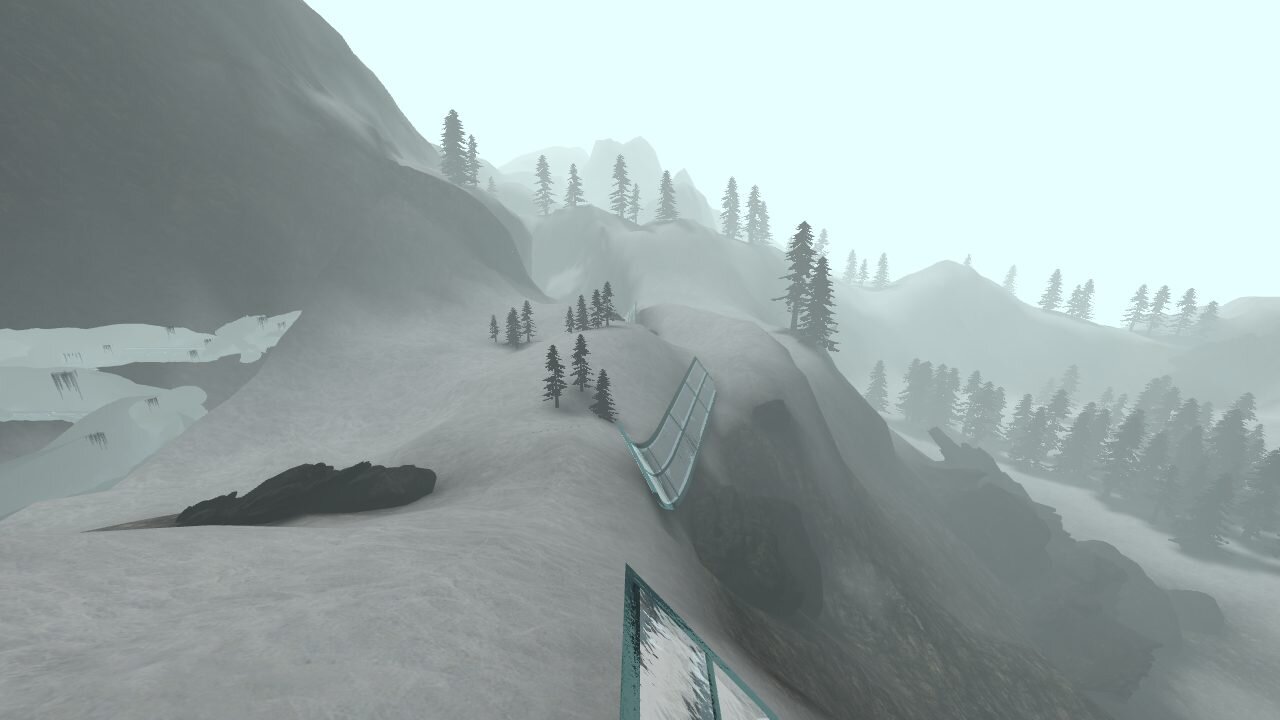
Surfing is the one competitive browser skill that takes an afternoon to understand and years to master. The mechanic is simple: build speed by holding a strafe key while turning the mouse at the rate your movement needs, and never stop touching the ground. The execution is genuinely difficult and completely dependent on a mouse.
Maps are separate files, so a first visit is mostly map hunting. Start with easy community maps — the professional ones assume a route knowledge you do not have yet — and turn on the timer overlay so you are practising lines instead of racing people who already know them.
If you have ever wondered why some browser shooters feel impossible, this is the one to try next. Air-strafing teaches mouse control that carries into every other shooter.
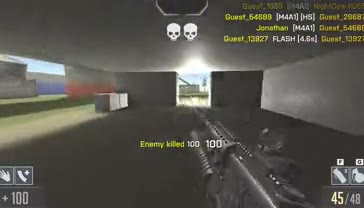
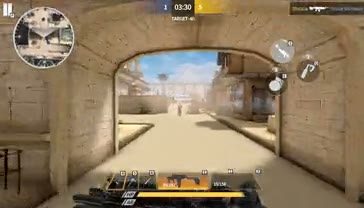
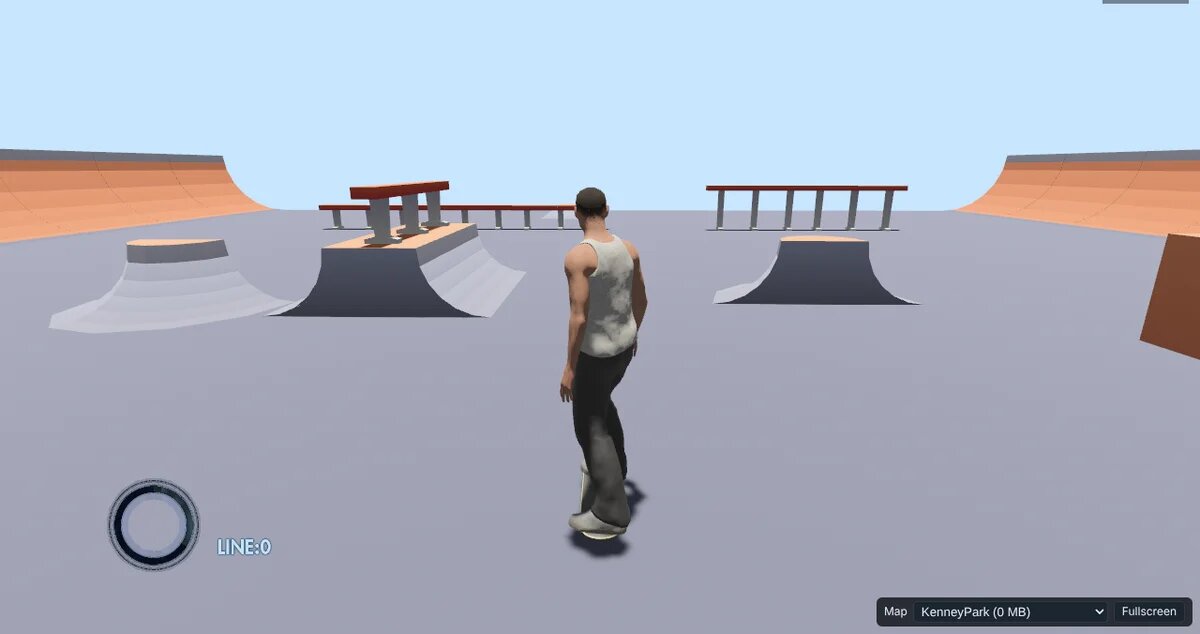
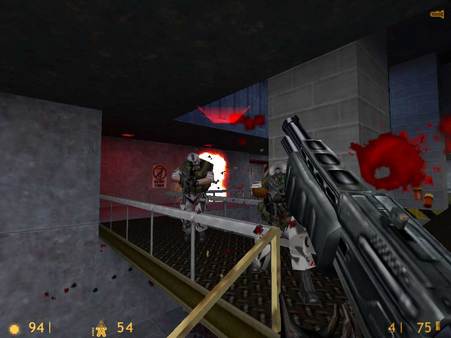
Shooter entries split cleanly into two camps: the community ports of classic PC shooters, which need a keyboard and mouse and can require your own game files, and the browser-native arena shooters, which load instantly and play with mouse look. Closest to CS Surf / Surfd by setup and browser requirements: SkillWarz, Hazmob FPS: Online Shooter, Skate 3 Fan Recreation — each has its own page with the same three answers.
What do you need before playing CS Surf / Surfd?
This one really wants a keyboard and mouse. Mouse-look movement does not survive a touchscreen, so this entry is a desktop experience.
How to set it up
- Open CS Surf / Surfd on Surfd in a desktop browser.
- Check the project's control bindings; browser ports often remap the original keys.
- Click once on the game area so it captures your keyboard and mouse — browsers do not send key events to an unfocused page.
- Play CS Surf / Surfd. Progress, settings and saves are stored in this browser only, so clearing site data resets them.
How do you play CS Surf / Surfd in a browser?
- Open Surfd and download the map you want — maps are separate files.
- Join a server or start a local run of a map you downloaded.
- Turn on the timer overlay to practise routes instead of racing other people.
Move before you aim. More shooter games ↗
What are the CS Surf / Surfd controls?
| Input | Action |
|---|---|
| Mouse | Look — this game is almost entirely mouse aim |
| Esc | Menu |
| E | Use — start and finish zones |
This one expects a keyboard and mouse. Most browser ports will not send keyboard events until you click the game area once, and mouse-look will not start until the pointer locks.
How do you get better at CS Surf / Surfd?
- Air-strafing is the entire skill: hold A or D, jump repeatedly, and let momentum carry you.
- Bunny-hopping (holding Space) builds speed across flat sections.
- Start on easy community maps — the pro maps assume years of practice.
Why won't CS Surf / Surfd load?
| Symptom | What it means |
|---|---|
| The keyboard does nothing in CS Surf / Surfd | The page has focus, not the game. Click the canvas itself once — the surrounding text, banners and scroll area do not forward key events to the game. |
| CS Surf / Surfd shows a black screen after a few seconds | Usually shader compilation on the first visit of CS Surf / Surfd. Give it 20 seconds; the second load is always faster than the first. |
| CS Surf / Surfd runs slow and choppy | Browser games are fill-rate bound. Zoom the browser to 67–80%, close the other tabs competing for the GPU, and check chrome://gpu for hardware acceleration. |
| CS Surf / Surfd still will not start | Open the link on another device or network. If it runs there, the problem is local to your browser or machine, not to the project hosting it. |
The full ordered list of fixes, including pointer lock, browser choice and site data, is in the browser game not loading guide.
Questions about CS Surf / Surfd
Do I need to download anything to play CS Surf / Surfd?+
No. CS Surf / Surfd opens as a web page on Surfd and asks for no installer, no plugin and no account. The only thing between you and gameplay is a browser tab.
What does CS Surf / Surfd need before you open it?+
This one really wants a keyboard and mouse. Mouse-look movement does not survive a touchscreen, so this entry is a desktop experience.
Can I play CS Surf / Surfd on a phone?+
Not comfortably. CS Surf / Surfd is a shooter entry and it wants a keyboard and a mouse — mouse look and two-handed movement are not something a touchscreen can replace. You can still open the link on a phone to see whether the project offers touch controls, but expect it to be unplayable rather than awkward.
Is CS Surf / Surfd the original game or a remake?+
CS Surf / Surfd — surf maps, a timer, and a community leaderboard. Surfd hosts it, and that page is where you find out whether it is a port of, a remake of, or a completely separate browser game. Nothing is bundled or downloaded for you; you play on the host's page, and no game files pass through this site.
What is air-strafing?+
Holding A or D while turning the mouse in the same direction, which makes the engine add speed on every frame instead of losing it. Combined with bunny-hopping — holding the jump key — it builds the enormous speeds surf maps are designed around.
Do I need a good mouse for CS Surf?+
More than for any other entry in this index. The skill is mouse control, so a trackpad removes most of the difficulty. This is one of the entries where a cheap gaming mouse changes the game completely.
Why are there no maps when I open it?+
Surf maps are separate files from the client. Download a map first, then join a server or run it locally. The download links are on the site you are linked to.