Skate 3 Fan Recreation.
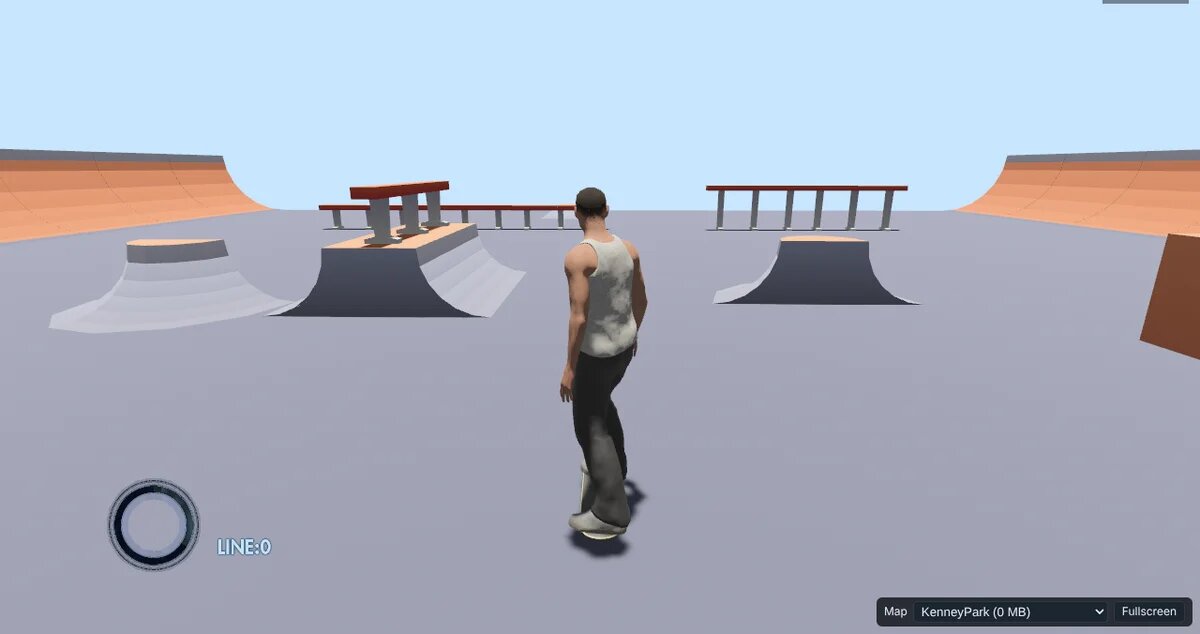
Skate through a community-built park in an independent WebGPU recreation, separate from the original game.
- Genre
- Sports
- Before you open
- WebGPU browser
- Typical session
- 5 to 20 minutes
- Difficulty
- low to medium
- Devices
- desktop, tablet and phone
- Hosted by
- andrewnakas.github.io
Quick answers about Skate 3 Fan Recreation
- Can I play Skate 3 Fan Recreation in a browser?
- Yes. Skate 3 Fan Recreation opens in a browser tab with no download and no install.
- Do I need to download anything?
- No. No installer, no plugin, no account — just andrewnakas.github.io in a tab.
- Does it work on a phone?
- Yes, it plays on a phone or tablet. Rotate to landscape for anything with horizontal movement.
- How long does a session last?
- 5 to 20 minutes. Difficulty: low to medium.
What is Skate 3 Fan Recreation?
Skate 3 Fan Recreation is a sports entry in this index, listed under sports games and the shared list collection. Skate through a community-built park in an independent WebGPU recreation, separate from the original game. Before you click, read the requirement: webgpu browser.
Hosted by andrewnakas.github.io, the project's own page — their notes are more current than this listing, and nothing is mirrored here.
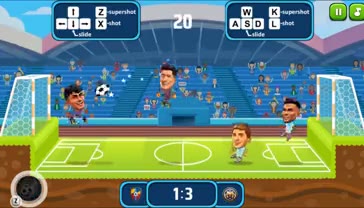
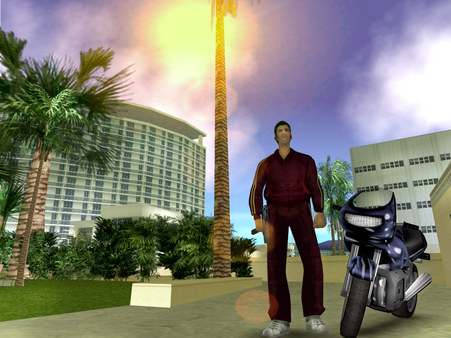
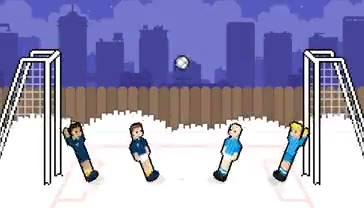
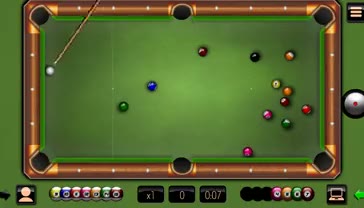
Sports entries here are arcade simulations rather than licensed league titles: five-a-side, basketball, golf, billiards and the physics-forward racing games. Closest to Skate 3 Fan Recreation by setup and browser requirements: Soccer Legends 2026, GTA: Vice City Web, Soccer Random — each has its own page with the same three answers.
What do you need before playing Skate 3 Fan Recreation?
Needs WebGPU — a recent browser and a real GPU. This entry renders with WebGPU, the newer graphics API in Chromium browsers.
How to set it up
- Open Skate 3 Fan Recreation on andrewnakas.github.io in a desktop browser — or a phone, since this entry works with touch controls.
- Update your graphics driver if WebGPU shows as hardware-blocked.
- Click once on the game area so it captures your keyboard and mouse — browsers do not send key events to an unfocused page.
- Play Skate 3 Fan Recreation. Progress, settings and saves are stored in this browser only, so clearing site data resets them.
How do you play Skate 3 Fan Recreation in a browser?
- On a phone, hold to aim and release to strike.
- Two-player entries often want one player on keyboard and one on mouse.
- Open the game and start a quick match to learn the controls.
- Set power and angle separately in your first few attempts.
Aim is everything in arcade sports. More sports games ↗
What are the Skate 3 Fan Recreation controls?
| Input | Action |
|---|---|
| Shift | Sprint or power modifier |
| Arrow keys | Adjust the aim line |
| Mouse or thumb | Aim, position and pull back the power meter |
| C | Change camera angle |
On a phone this game usually swaps these for on-screen touch controls — tap, swipe or hold. Rotate to landscape if the movement is horizontal.
How do you get better at Skate 3 Fan Recreation?
- Check the requirement on this page before you click — Skate 3 Fan Recreation is marked "WebGPU browser".
- Progress in Skate 3 Fan Recreation is stored in this browser only, so clearing site data for andrewnakas.github.io resets it.
- andrewnakas.github.io serves Skate 3 Fan Recreation; if that link ever goes dead, the project usually reappears under a new address.
- If Skate 3 Fan Recreation is not the right fit, the sports hub lists the 17 entries in this section side by side.
- Slower power gives more control; full power is only useful when the goal is empty.
- Set angle and power separately — most frustration comes from changing both at once.
Why won't Skate 3 Fan Recreation load?
| Symptom | What it means |
|---|---|
| The keyboard does nothing in Skate 3 Fan Recreation | The page has focus, not the game. Click the canvas itself once — the surrounding text, banners and scroll area do not forward key events to the game. |
| Skate 3 Fan Recreation shows a black screen after a few seconds | Usually shader compilation on the first visit of Skate 3 Fan Recreation. Give it 20 seconds; the second load is always faster than the first. |
| Skate 3 Fan Recreation runs slow and choppy | Browser games are fill-rate bound. Zoom the browser to 67–80%, close the other tabs competing for the GPU, and check chrome://gpu for hardware acceleration. |
| Skate 3 Fan Recreation still will not start | Open the link on another device or network. If it runs there, the problem is local to your browser or machine, not to the project hosting it. |
The full ordered list of fixes, including pointer lock, browser choice and site data, is in the browser game not loading guide.
Questions about Skate 3 Fan Recreation
Do I need to download anything to play Skate 3 Fan Recreation?+
No. Skate 3 Fan Recreation opens as a web page on andrewnakas.github.io and asks for no installer, no plugin and no account. The only thing between you and gameplay is a browser tab.
What does Skate 3 Fan Recreation need before you open it?+
Needs WebGPU — a recent browser and a real GPU. This entry renders with WebGPU, the newer graphics API in Chromium browsers.
Can I play Skate 3 Fan Recreation on a phone?+
Yes. Skate 3 Fan Recreation is a sports entry, and sports games in this index generally work on a phone or tablet. Rotate to landscape for anything with horizontal movement, and keep the tab in the foreground so the browser does not throttle it.
Is Skate 3 Fan Recreation the original game or a remake?+
andrewnakas.github.io hosts it, and that page is where you find out whether it is a port of, a remake of, or a completely separate browser game. Nothing is bundled or downloaded for you; you play on the host's page, and no game files pass through this site.