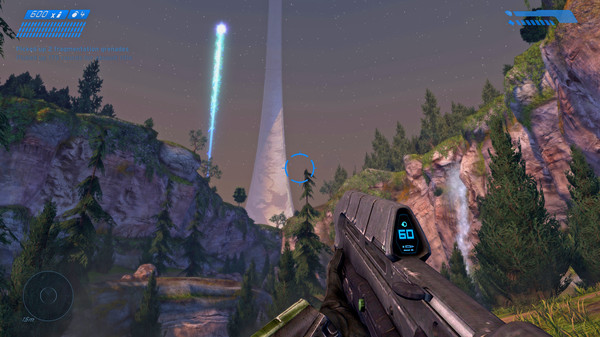
GTA: Vice City Web.
A WebAssembly port that asks you to import data from a copy of Vice City you own.
- Genre
- Sandbox
- Before you open
- Own game data
- Typical session
- open-ended
- Difficulty
- low
- Devices
- desktop, tablet and phone
- Hosted by
- joncodeofficial.github.io
Quick answers about GTA: Vice City Web
- Can I play GTA: Vice City Web in a browser?
- Yes — but GTA: Vice City Web needs a data folder from a copy of the game you own before it will start.
- Do I need to download anything?
- No download, but yes preparation: a folder of game data you already own.
- Does it work on a phone?
- Yes, it plays on a phone or tablet. Rotate to landscape for anything with horizontal movement.
- How long does a session last?
- open-ended. Difficulty: low.
What is GTA: Vice City Web?
GTA: Vice City Web belongs to our sandbox section and to the shared list collection. GTA: Vice City compiled to WebAssembly, with the original game data. The page below covers what GTA: Vice City Web actually is, what you need before you open it, the controls, and what to do when the browser refuses to cooperate.
Hosted by joncodeofficial.github.io, the project's own page — their notes are more current than this listing, and nothing is mirrored here.
GTA: Vice City Web runs on the original game engine rather than a remake, which is why the requirement is stricter than the rest of this index: the engine needs a data folder, and the data comes from a copy of the game you own. If you do not own it, the shareware deployment — where one exists — is as far as this entry goes, and that is still enough to test whether the build runs on your machine.
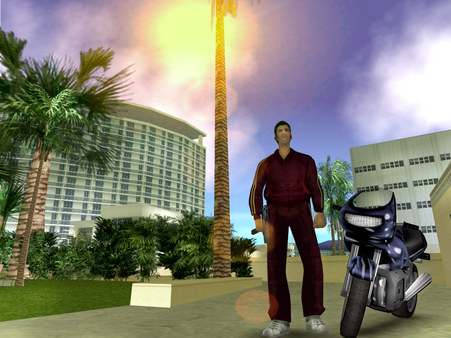
GTA: Vice City compiled to WebAssembly with the original game data. That combination is why it looks and plays the way it does: the same map, the same radio stations, the same ridiculous handling, running in a tab instead of an executable.
The data comes from a copy of the game you own. Nothing is bundled, nothing is downloaded on your behalf, and the first load is slow because the assets are being read and cached locally before play begins.
Raise your browser zoom. The interface was drawn for a 640×480 window, and at 100% zoom on a modern display it is genuinely hard to read.
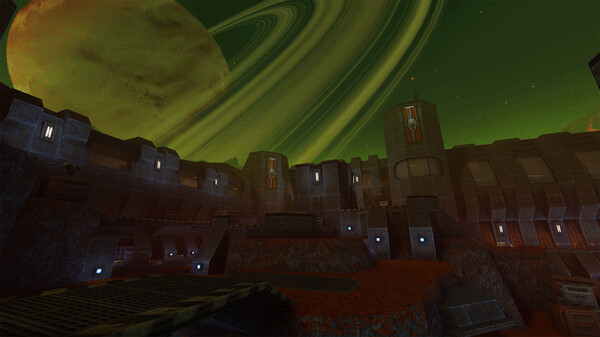
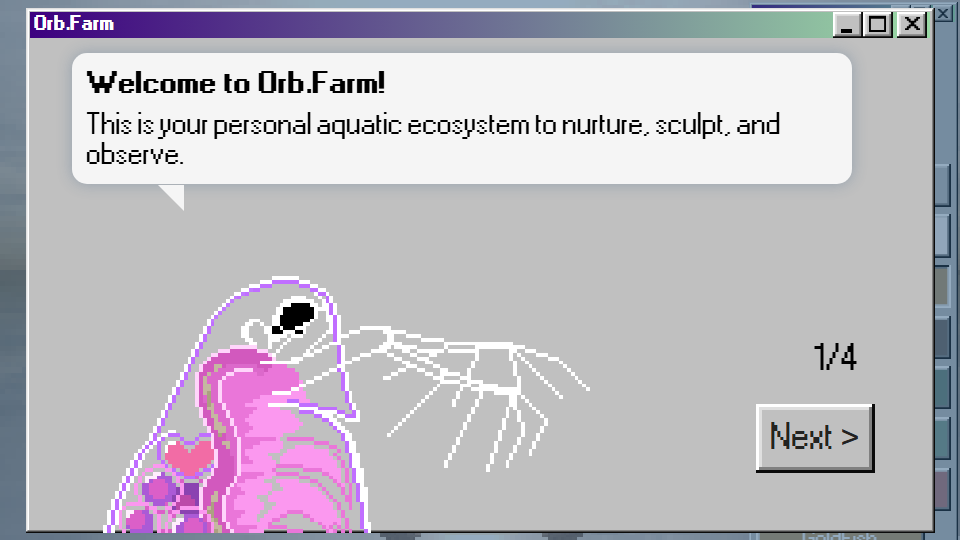
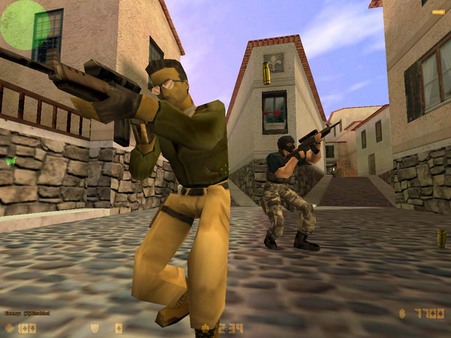
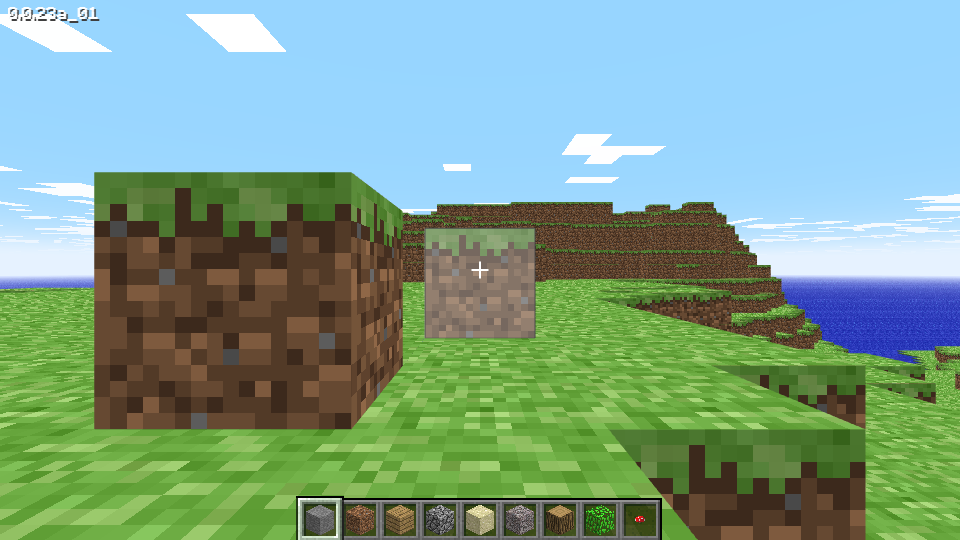
Sandbox entries are the ones people keep open in a background tab: a block world, an aquarium, a falling-sand toy, a factory that ticks upward. Closest to GTA: Vice City Web by setup and browser requirements: Quake II, Orb.Farm, Half-Life / CS 1.6 — each has its own page with the same three answers.
What do you need before playing GTA: Vice City Web?
Needs the game data you already own. This project runs the original game logic in the browser and asks for your own copy of the game data.
How to set it up
- Open GTA: Vice City Web on joncodeofficial.github.io in a desktop browser — or a phone, since this entry works with touch controls.
- Play — the data is normally read from local storage, so clearing site data means selecting it again.
- Click once on the game area so it captures your keyboard and mouse — browsers do not send key events to an unfocused page.
- Play GTA: Vice City Web. Progress, settings and saves are stored in this browser only, so clearing site data resets them.
How do you play GTA: Vice City Web in a browser?
- Open the page and select your own Vice City data folder when prompted.
- Wait while it processes the assets — the first load is the slow one.
- Drive before you fight; the radio and the map are easier to learn at low speed.
There is no score to optimise. More sandbox games ↗
What are the GTA: Vice City Web controls?
| Input | Action |
|---|---|
| E | Enter vehicle or interact |
| W A S D or arrows | Drive and walk |
| Esc | Pause |
| Left click | Attack, drive-by |
On a phone this game usually swaps these for on-screen touch controls — tap, swipe or hold. Rotate to landscape if the movement is horizontal.
How do you get better at GTA: Vice City Web?
- This needs your own game data. Without it, the page will not start.
- Raise browser zoom — the original UI was drawn for a small window.
- The WebAssembly build runs at a modest frame rate; 67–80% zoom keeps it playable.
Why won't GTA: Vice City Web load?
| Symptom | What it means |
|---|---|
| The keyboard does nothing in GTA: Vice City Web | The page has focus, not the game. Click the canvas itself once — the surrounding text, banners and scroll area do not forward key events to the game. |
| GTA: Vice City Web shows a black screen after a few seconds | Usually shader compilation on the first visit of GTA: Vice City Web. Give it 20 seconds; the second load is always faster than the first. |
| GTA: Vice City Web stops at the data prompt | The wrong folder was selected. Choose the folder that directly contains the game assets, not its parent and not a file inside it. |
| GTA: Vice City Web still will not start | Open the link on another device or network. If it runs there, the problem is local to your browser or machine, not to the project hosting it. |
The full ordered list of fixes, including pointer lock, browser choice and site data, is in the browser game not loading guide.
Questions about GTA: Vice City Web
Do I need to download anything to play GTA: Vice City Web?+
No download, but yes preparation: GTA: Vice City Web runs on the original engine and needs a data folder from a copy of the game you own. The engine is the code; the assets are the game. Needs the game data you already own.
What does GTA: Vice City Web need before you open it?+
Needs the game data you already own. This project runs the original game logic in the browser and asks for your own copy of the game data. Nothing is bundled or fetched on your behalf — the guide on ports that need your own files covers the details.
Can I play GTA: Vice City Web on a phone?+
Yes. GTA: Vice City Web is a sandbox entry, and sandbox games in this index generally work on a phone or tablet. Rotate to landscape for anything with horizontal movement, and keep the tab in the foreground so the browser does not throttle it.
Is GTA: Vice City Web the original game or a remake?+
GTA: Vice City compiled to WebAssembly, with the original game data. joncodeofficial.github.io hosts it, and that page is where you find out whether it is a port of, a remake of, or a completely separate browser game. This one runs on the original engine and needs a data folder from a copy you own.
What data folder does the Vice City browser port need?+
The Vice City game data folder from a copy you own — the directory that directly contains the game assets, not its parent and not a single file inside it. Select that folder when the page prompts.
Why is the first load so slow?+
The port reads and caches your game data into browser storage the first time. The second visit is dramatically faster because the work is already done. Judging it on the first load is the most common mistake people make with these ports.