Browser ports that need your own game files.
A handful of entries in this index are the original game engine compiled to JavaScript and WebAssembly. They are not remakes — they are the actual game logic, running the actual assets, in a tab. That is why they ask for a data folder from a copy you own, and why they behave exactly like the 1997 original including its small resolution and its aggressive mouse sensitivity.
Updated October 25, 2026 · 6 sections · no download required
How these ports work
The project compiles the original engine to WebAssembly and loads the game's assets from a folder you point it at. Nothing proprietary is included in the port, nothing is downloaded on your behalf, and the browser reads the files locally — usually caching them in IndexedDB so you only select the folder once.
Because the engine is the original, the fidelity is high. That cuts both ways: you get the real game, and you also get 640×480 assumptions, a HUD designed for a 4:3 screen and mouse sensitivity that feels wrong until you change it.
What is included and what is not
Included: the engine, the code that reads the game data, and in some deployments the shareware data — the freely distributable first chunk of a game. Not included: the retail assets, and not included here is any way to obtain them.
If a project offers shareware data, that is enough for the opening area of the game and nothing more. The full game needs a data folder from a copy you own. This is the correct and legal arrangement: the engine is the code, the assets are the game, and the assets come from your copy.
If you do not own the game
Then this entry does not work for you, and that is not a workaround situation. The shareware deployments are the legitimate way to sample the port, and they are enough to tell you whether the build runs on your machine before you decide anything else.
Nothing on this site hosts, links to or helps obtain retail game data. If you find a page claiming to do so, it is not connected to this index.
How to select the folder correctly
The single most common failure is selecting the wrong directory. The prompt wants the folder that directly contains the game's asset files — not its parent, and not one file inside it.
Wait for the first load to finish processing. It is much slower than the second one, because the assets are being read and cached. Judging it before it completes is the second most common mistake.
- Find the game data folder in your own installation — it is the one with the asset subfolders, not the launcher or the store folder.
- Select the folder itself in the picker, not a file within it.
- If the browser picker hides folders, use its address-bar shortcut to type the path directly.
- On some browsers the picker only shows files with known extensions; renaming the data folder to something without dots can make it selectable.
Making them playable on a modern screen
These ports render at the original internal resolution. Browser zoom is the right tool: set it to 125% or 150% to make the interface readable, and drop it to 67–80% if the frame rate is low. Zooming the browser scales the output without changing what the engine renders.
| Symptom | Cause | Fix |
|---|---|---|
| Black screen after selecting files | Wrong folder selected | Select the folder that directly contains the assets |
| Only the opening area loads | Shareware data, or an incomplete folder | Use a complete data folder from your own copy |
| HUD text is tiny | Original resolution UI | Set browser zoom to 125–150% |
| Frame rate is low | Fill-rate bound | Zoom out to 67–80% and close other tabs |
| Progress disappears | Site data cleared | Saves live in browser storage; expect this after clearing it |
Entries in this index that need your own files
Four entries are explicit about it: GTA Vice City Web needs the Vice City data, DiabloWeb Shareware runs on shareware data or your own files, Half-Life / CS 1.6 asks for a Half-Life data folder for the full game, and Half-Life Web may ask depending on the deployment. Each has its own page here with the exact steps.
The rest of the classic ports — Quake, Quake II, Quake III Arena, Return to Castle Wolfenstein, Halo CE, Black Ops Zombies and the skate project — run without your files in their current deployments. Check the requirement line on the game page if you want to be certain before clicking.
Bottom line
These ports are the original engine, not a remake, so they need the original data and nothing else. Get the data from your own copy, select the folder that contains the assets, wait for the first load to finish, and set browser zoom to make it readable.
Questions about browser ports that need your own game files
Do browser ports of old games include the game itself?+
No. The port is the engine — the code that runs the game. The assets come from a copy you own, and some projects bundle only the freely distributable shareware data. Nothing retail is hosted or linked here.
What if I do not own the game in question?+
Then you can only use the shareware deployment if the project offers one. That is enough to test whether the port runs on your machine, and it is the legitimate limit of what these projects can do without you supplying files.
Why does the port look old even though my screen is large?+
The engine renders at the original internal resolution, typically 640×480. Zoom the browser to 125–150% to make the interface readable. This scales the output without changing what the game renders.
Why did my save disappear?+
Saves are written to browser storage for that origin. Clearing site data, switching browser profiles or moving to another device all remove them. There is no cloud save in these ports.
Open the game.
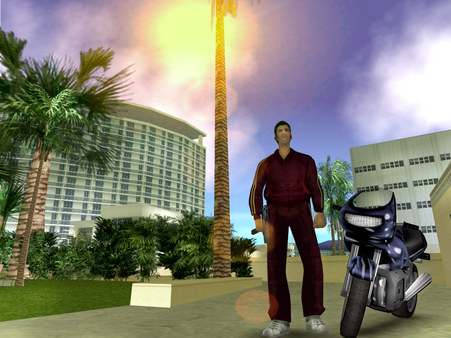
GTA: Vice City Web
A WebAssembly port that asks you to import data from a copy of Vice City you own.
Own game data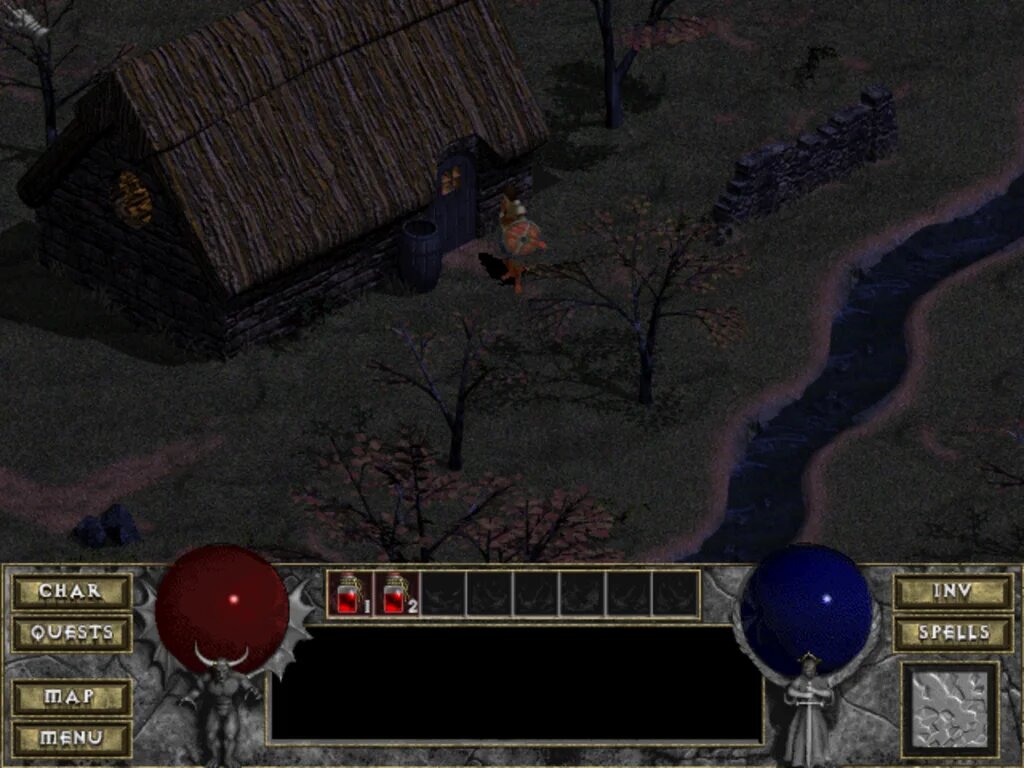
DiabloWeb Shareware
Play the Diablo shareware build in a browser; the full game requires data from a copy you own.
Shareware or own files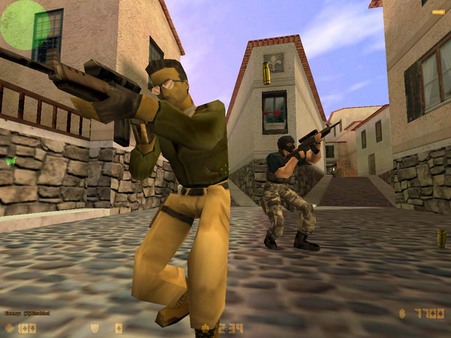
Half-Life / CS 1.6
WebXash runs compatible game data in the browser; full content requires files you own.
Own files for full game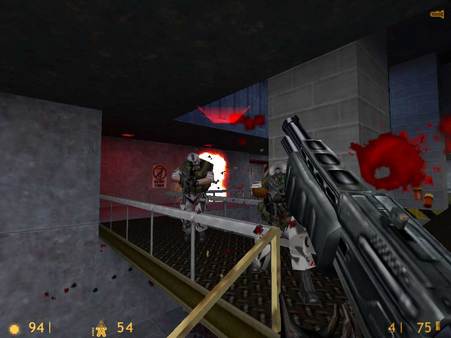
Half-Life Web
A community browser launcher for Half-Life. Read its requirements before expecting the full campaign.
May need game files