ZType.
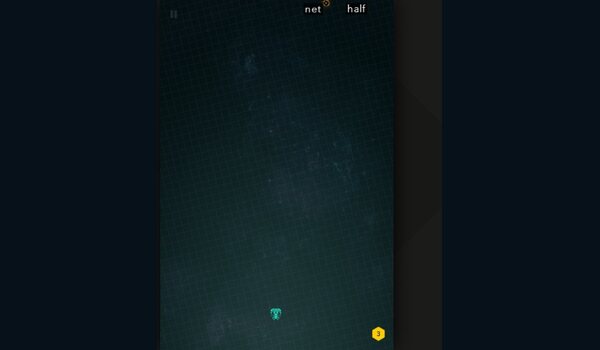
Type enemy words to shoot them before they reach your ship.
- Genre
- Arcade
- Before you open
- Ready to play
- Typical session
- 1 to 8 minutes
- Difficulty
- low
- Devices
- desktop, tablet and phone
- Hosted by
- zty.pe
Quick answers about ZType
- Can I play ZType in a browser?
- Yes. ZType opens in a browser tab with no download and no install.
- Do I need to download anything?
- No. No installer, no plugin, no account — just zty.pe in a tab.
- Does it work on a phone?
- Yes, it plays on a phone or tablet. Rotate to landscape for anything with horizontal movement.
- How long does a session last?
- 1 to 8 minutes. Difficulty: low.
What is ZType?
ZType is a arcade entry in this index, listed under arcade games and the competitor finds collection. A typing shooter: type the words on incoming enemies to destroy them before they reach your ship. It opens straight into the game with nothing to install and nothing to upload.
Hosted by zty.pe, the project's own page — their notes are more current than this listing, and nothing is mirrored here.
It converts typing into a reflex game. The words arrive at the edges of the screen, and the faster you type them the shorter they get, so accuracy compounds — a typo does not just cost a second, it leaves the word hanging.
That makes it a better training tool than it looks. Typing under time pressure is a different skill from typing comfortably, and it is the skill that carries into a typing race.
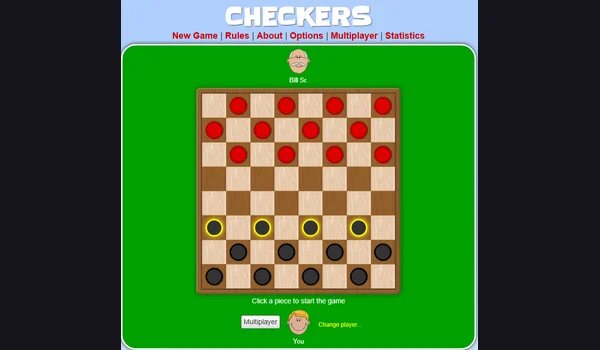
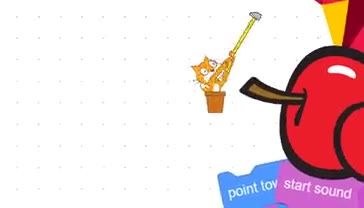
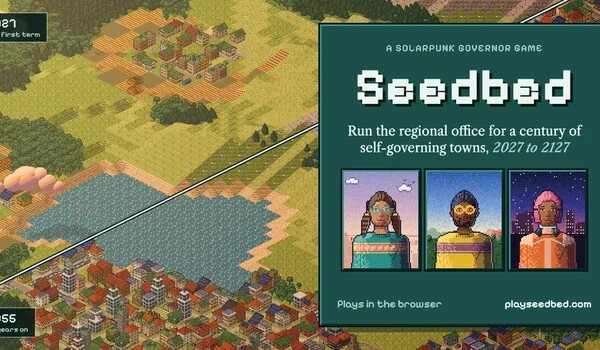
Arcade entries are built around instant restart. Closest to ZType by setup and browser requirements: Checkers, Getting Over It, Seedbed — each has its own page with the same three answers.
What do you need before playing ZType?
Nothing to install, nothing to upload. This one opens straight into gameplay.
How to set it up
- Open ZType on zty.pe in a desktop browser — or a phone, since this entry works with touch controls.
- Wait for the loading bar or the title screen to appear.
- Click once on the game area so it captures your keyboard and mouse — browsers do not send key events to an unfocused page.
- Play ZType. Progress, settings and saves are stored in this browser only, so clearing site data resets them.
How do you play ZType in a browser?
- Open the page and start a wave.
- Type the word on the nearest enemy and send it — the shorter the word, the faster it dies.
- Prioritise enemies that are closest to the ship, not the ones that are easiest.
- Keep typing while the wave is still arriving; the game gives you no break.
Watch the pattern for a few seconds before you touch anything, then commit. More arcade games ↗
What are the ZType controls?
| Input | Action |
|---|---|
| Type on the keyboard | Type the word on the enemy to shoot it |
| Space | Send the word to the ship |
| Esc | Pause |
On a phone this game usually swaps these for on-screen touch controls — tap, swipe or hold. Rotate to landscape if the movement is horizontal.
How do you get better at ZType?
- Short words first. They die fast and cost less time than long ones.
- Learn the two or three most common words until they are muscle memory.
- Do not correct typos — a half-typed word still needs finishing.
Why won't ZType load?
| Symptom | What it means |
|---|---|
| The keyboard does nothing in ZType | The page has focus, not the game. Click the canvas itself once — the surrounding text, banners and scroll area do not forward key events to the game. |
| ZType shows a black screen after a few seconds | Usually shader compilation on the first visit of ZType. Give it 20 seconds; the second load is always faster than the first. |
| ZType runs slow and choppy | Browser games are fill-rate bound. Zoom the browser to 67–80%, close the other tabs competing for the GPU, and check chrome://gpu for hardware acceleration. |
| ZType still will not start | Open the link on another device or network. If it runs there, the problem is local to your browser or machine, not to the project hosting it. |
The full ordered list of fixes, including pointer lock, browser choice and site data, is in the browser game not loading guide.
Questions about ZType
Do I need to download anything to play ZType?+
No. ZType opens as a web page on zty.pe and asks for no installer, no plugin and no account. The only thing between you and gameplay is a browser tab.
What does ZType need before you open it?+
Nothing to install, nothing to upload. This one opens straight into gameplay.
Can I play ZType on a phone?+
Yes. ZType is a arcade entry, and arcade games in this index generally work on a phone or tablet. Rotate to landscape for anything with horizontal movement, and keep the tab in the foreground so the browser does not throttle it.
Is ZType the original game or a remake?+
A typing shooter: type the words on incoming enemies to destroy them before they reach your ship. zty.pe hosts it, and that page is where you find out whether it is a port of, a remake of, or a completely separate browser game. Nothing is bundled or downloaded for you; you play on the host's page, and no game files pass through this site.