Globle.
Find the mystery country with hot-and-cold geographic hints.
- Genre
- Puzzle
- Before you open
- Daily puzzle
- Typical session
- 3 to 15 minutes
- Difficulty
- low to medium
- Devices
- desktop, tablet and phone
- Hosted by
- globle-game.com
Quick answers about Globle
- Can I play Globle in a browser?
- Yes. Globle opens in a browser tab with no download and no install.
- Do I need to download anything?
- No. No installer, no plugin, no account — just globle-game.com in a tab.
- Does it work on a phone?
- Yes, it plays on a phone or tablet. Rotate to landscape for anything with horizontal movement.
- How long does a session last?
- 3 to 15 minutes. Difficulty: low to medium.
What is Globle?
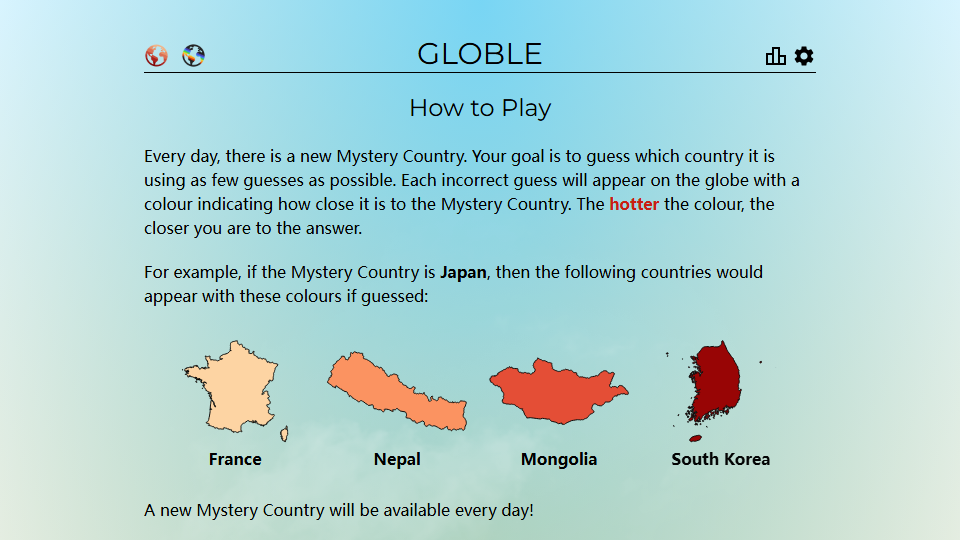
Globle is a puzzle entry in this index, listed under puzzle games and the browser pick collection. Find the mystery country with hot-and-cold geographic hints. Before you click, read the requirement: daily puzzle.
Hosted by globle-game.com, the project's own page — their notes are more current than this listing, and nothing is mirrored here.
A country first, then its capital, then the exact region — three narrowing steps in one daily puzzle. It is the fastest complete round in this index: under three minutes, one guess per step, and the feedback tightens each time.
Guessing capitals cold wastes guesses. Start with countries you are confident about to establish the distance signal, then use the capital readings to home in.
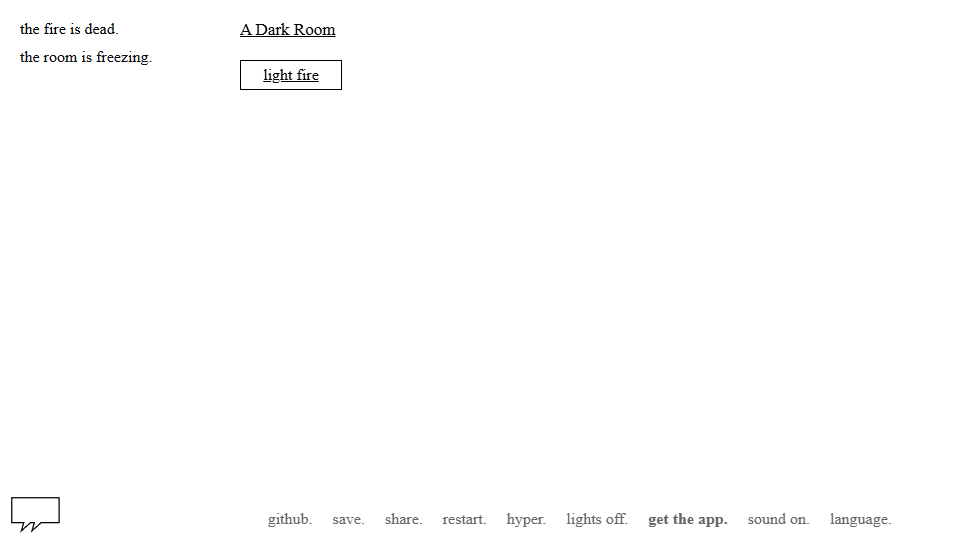
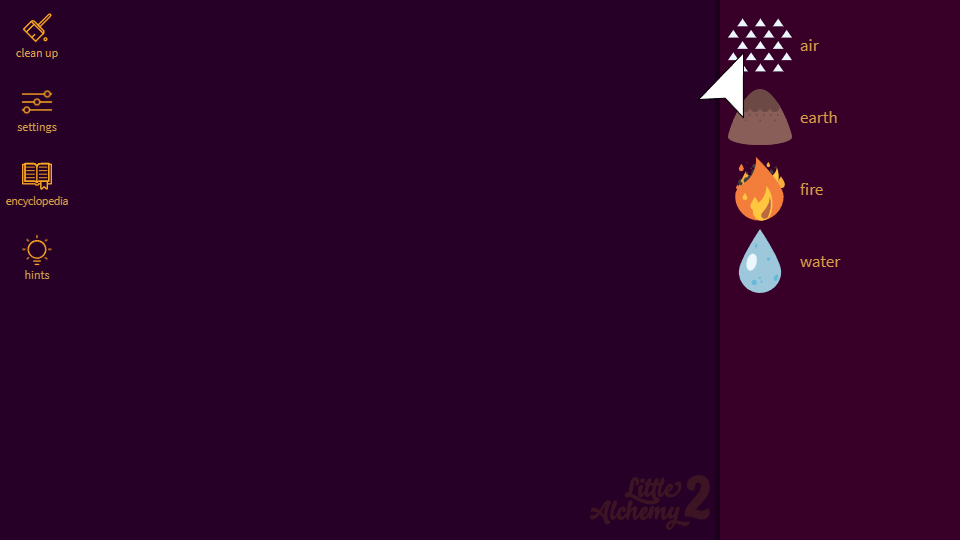
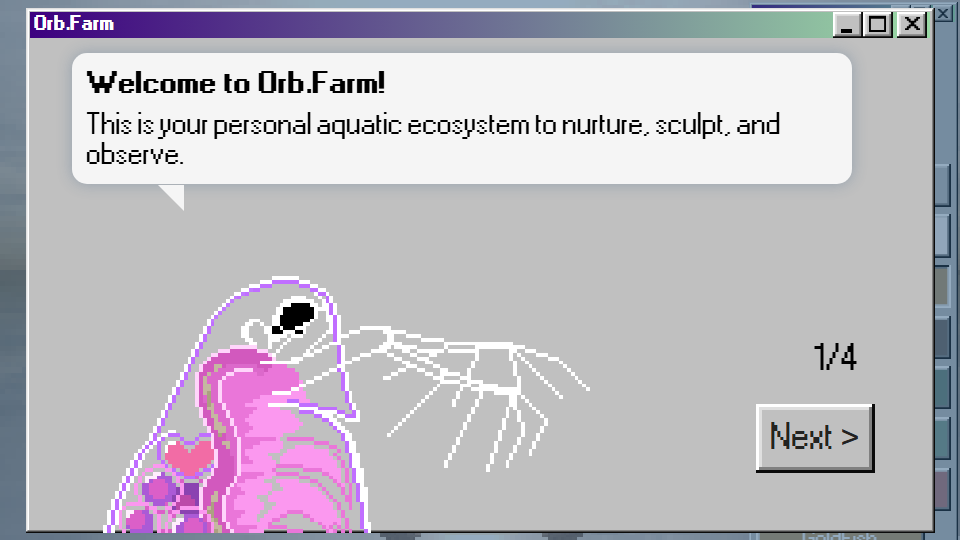
Puzzle entries are the easiest to open and the hardest to put down. Closest to Globle by setup and browser requirements: A Dark Room, Little Alchemy 2, Orb.Farm — each has its own page with the same three answers.
What do you need before playing Globle?
One puzzle a day, everyone gets the same one. Daily puzzle entries reset at a fixed time and give every player the same board.
How to set it up
- Open Globle on globle-game.com in a desktop browser — or a phone, since this entry works with touch controls.
- Open the link — the puzzle for today is already loaded.
- Click once on the game area so it captures your keyboard and mouse — browsers do not send key events to an unfocused page.
- Play Globle. Progress, settings and saves are stored in this browser only, so clearing site data resets them.
How do you play Globle in a browser?
- Look for the move that unlocks two merges rather than the one that scores highest.
- Make one move and look at what it changes before making the next one.
- If a level resists, count the pieces rather than looking at the board — the count tells you which half is overloaded.
- Play for a few minutes at a time; puzzle sessions that end cleanly are easier to resume.
Work the board in short deliberate passes rather than tapping fast. More puzzle games ↗
What are the Globle controls?
| Input | Action |
|---|---|
| Arrow keys or WASD | Move the active piece, cursor or selection |
| F | Toggle the hint or shuffle button |
| Z or Backspace | Undo the last move in games that allow it |
| Mouse click or tap | Place a piece, flip a card, confirm a merge |
On a phone this game usually swaps these for on-screen touch controls — tap, swipe or hold. Rotate to landscape if the movement is horizontal.
How do you get better at Globle?
- Check the requirement on this page before you click — Globle is marked "Daily puzzle".
- Progress in Globle is stored in this browser only, so clearing site data for globle-game.com resets it.
- globle-game.com serves Globle; if that link ever goes dead, the project usually reappears under a new address.
- If Globle is not the right fit, the puzzle hub lists the 45 entries in this section side by side.
- Play one level at a time; most puzzle games save progress locally in your browser.
- If a level looks impossible, check whether a diagonal or a wrap-around rule is active.
Why won't Globle load?
| Symptom | What it means |
|---|---|
| The keyboard does nothing in Globle | The page has focus, not the game. Click the canvas itself once — the surrounding text, banners and scroll area do not forward key events to the game. |
| Globle shows a black screen after a few seconds | Usually shader compilation on the first visit of Globle. Give it 20 seconds; the second load is always faster than the first. |
| Globle runs slow and choppy | Browser games are fill-rate bound. Zoom the browser to 67–80%, close the other tabs competing for the GPU, and check chrome://gpu for hardware acceleration. |
| Globle still will not start | Open the link on another device or network. If it runs there, the problem is local to your browser or machine, not to the project hosting it. |
The full ordered list of fixes, including pointer lock, browser choice and site data, is in the browser game not loading guide.
Questions about Globle
Do I need to download anything to play Globle?+
No. Globle opens as a web page on globle-game.com and asks for no installer, no plugin and no account. The only thing between you and gameplay is a browser tab.
What does Globle need before you open it?+
One puzzle a day, everyone gets the same one. Daily puzzle entries reset at a fixed time and give every player the same board.
Can I play Globle on a phone?+
Yes. Globle is a puzzle entry, and puzzle games in this index generally work on a phone or tablet. Rotate to landscape for anything with horizontal movement, and keep the tab in the foreground so the browser does not throttle it.
Is Globle the original game or a remake?+
globle-game.com hosts it, and that page is where you find out whether it is a port of, a remake of, or a completely separate browser game. Nothing is bundled or downloaded for you; you play on the host's page, and no game files pass through this site.